How to get more Google reviews (without breaking the rules)
A plain routine for getting a steady trickle of real Google reviews, replying to them, and staying clear of what Google and UK law now forbid.
On this page
You do good work, customers tell you so to your face, and your Google listing still shows six reviews, the newest from 2023. Meanwhile a competitor down the road has ninety. When someone in Norwich searches for your trade, those numbers sit right next to your name on the map.
Most happy customers would leave a review if you asked at the right moment and made it easy. Most businesses do neither. They ask once, vaguely, weeks later, and send people hunting for the right page on Google Maps. Hardly anyone gets that far.
The fix is a small habit, not a campaign. It does come with a few rules that changed in 2025, so they’re covered too.
Ask when the job has just gone well
The best time to ask is the moment the customer is pleased with you. The boiler is running again, or the order turned up a day early. A day later they’re busy with something else, and a week later they’ve forgotten your name.
Ask in person if you can, then send the link straight after so it’s waiting on their phone. Something short works: “Thanks for today. If you’ve got a minute, a Google review helps us more than you’d think,” with the link underneath. No script, no pressure.
Build it into the end of the job so it happens every time, not only when you remember. A line in the invoice email works, and so does a text sent when you mark the job complete.
Make it one tap
Every extra step loses people. Google gives you a direct link that opens the review box for your business, so nobody has to search for you.
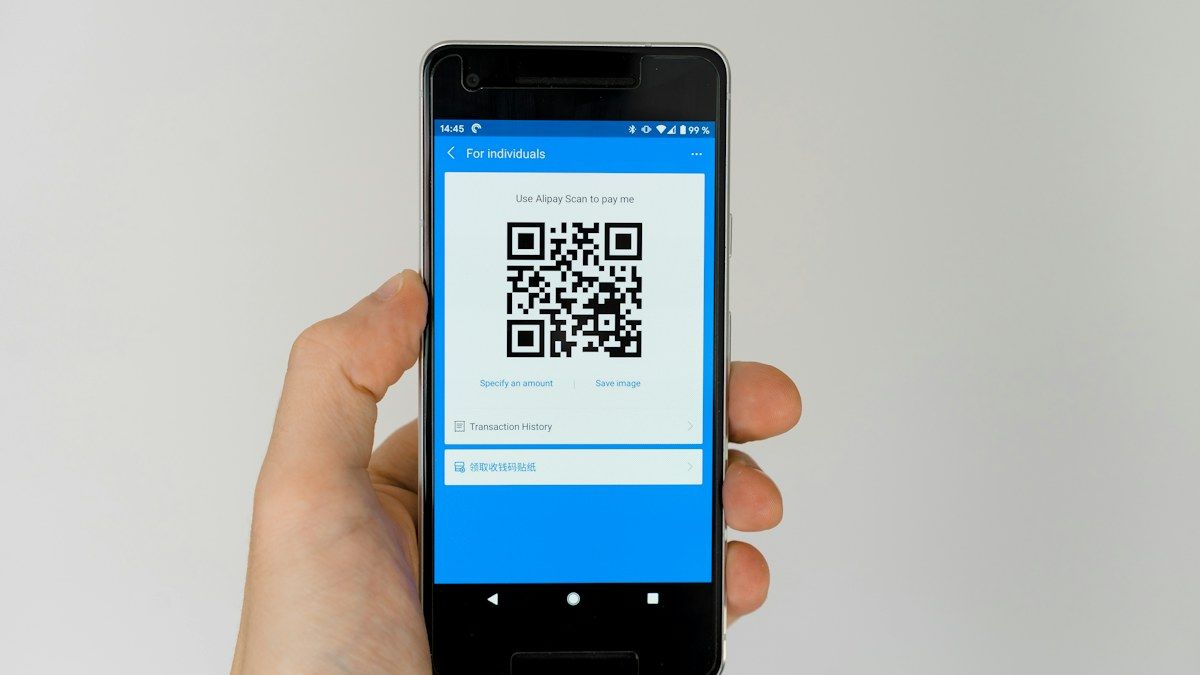
To get it, open your Business Profile, choose Read reviews, then Get more reviews. You can copy the link from there, or save a QR code. Google says the QR code can only be generated in a computer browser, not on a phone, so do this one at a desk.
Then put the link everywhere a finished customer will see it:
- in your email signature and invoice template;
- in the follow-up text or WhatsApp message;
- as a QR code on the counter, a receipt, or a card in the van;
- on a thank-you page on your website after someone books.
If your profile isn’t set up properly yet, start with our Google Business Profile guide. Reviews are one part of how you show up locally, and the rest is in local SEO for Norwich and Norfolk.
Reply to every one
Answer the good reviews as well as the bad. A reply tells the reviewer you read it, and it tells the next person reading that someone is paying attention. Keep it short and specific: thank them by name and mention the job if it’s appropriate. Don’t paste the same line under every review.
You have to verify your business before you can reply, and replies appear as the business, not as you personally. Google checks replies before they go live, which usually takes around ten minutes.
When a bad one lands
Wait an hour before you reply. Then write for the people who’ll read it later, not to win the argument with the reviewer.
Acknowledge the problem. Say you’re sorry they had a bad experience, even if you see it differently.
Give the facts briefly. One or two sentences, calm, with no customer details they didn’t share themselves.
Keep it short. A long defence reads as defensive, however right you are.
Take it offline. Give a phone number or email and a name to ask for.
A measured reply to a fair complaint often does more for you than another five stars. If a review breaks Google’s policies (it’s spam, off topic, abusive, or clearly from someone who was never a customer), you can flag it for Google to look at. Being negative isn’t a reason for removal on its own.
What you can’t do
Google’s contribution policy is clear. You can’t offer a discount, a freebie or cash in return for a review, or for changing or removing one. You can’t discourage negative reviews or only ask the customers you expect to be happy, which is the practice known as review gating. Reviews from staff, owners, or anyone with a conflict of interest aren’t allowed either, and Google says it removes this kind of content.
UK law caught up on 6 April 2025, when the consumer protection part of the Digital Markets, Competition and Consumers Act 2024 came into force. Schedule 20 lists practices that are banned outright. Among them:
- writing or submitting a fake review, meaning one that claims to be based on a real experience and isn’t;
- commissioning someone else to write or submit one, which covers buying reviews;
- a commissioned review that doesn’t make clear it was paid for;
- publishing reviews in a misleading way, such as hiding the negative ones.
The Competition and Markets Authority can now enforce this itself and fine businesses up to 10% of global turnover, and it has opened investigations into fake and misleading reviews. A handful of bought five-star reviews is not worth that risk.
Keep it steady
A review or two a week, every week, looks better and more believable than twenty in a fortnight followed by silence. That only happens if asking is part of how you finish a job.
If you’d like your website to do some of this for you, with a review link on the booking confirmation and your best reviews shown on the page, get in touch.
Work with us
Want a hand with this?
We build the things these articles talk about. Tell us what you're working on and we'll reply within a day, usually sooner.
or email [email protected] or call 07960 849945
Keep reading
All articles →-
-
-