Website analytics for a small business: what to watch and what to ignore
The handful of analytics numbers that tell you whether your website brings in work, the ones you can skip, and a 15-minute monthly check.

On this page
You open Google Analytics, see dozens of charts and a number that went down since last Tuesday, and close it again. You still don’t know whether the website is bringing in work.
Analytics tools record far more than a small business needs, and the default screens put traffic first. A site with modest visitors that turns a good share of them into enquiries is doing its job better than a busy one nobody contacts you through.
Below is a short list of what to look at and what to leave alone, plus a check that fits into a quarter of an hour once a month.
The number that matters: enquiries
Start with the actions that turn into money. For most small businesses that’s one of these:
- the contact form is sent;
- someone taps a phone number or email link on the site;
- a booking is made;
- a quote request or brochure download goes through.
In GA4, Google’s current version of Analytics, these are called key events (Google used to call them conversions). You mark the events you care about as key events and GA4 counts them separately. If nobody has set this up, your analytics is only counting visits.
Keep your own tally alongside it. Count enquiries that arrive by email, phone and booking each month, and note where people say they found you. Your inbox is the truest record you have.
Where visitors come from
GA4’s Traffic acquisition report groups visits by channel: organic search (Google and other search engines), direct (someone typed your address or used a bookmark), referral (a link on another site), organic social and paid ads, among others.
Look at it next to your key events, not on its own. A channel that sends a lot of visits but no enquiries isn’t earning its keep. One that sends a few visits and steady enquiries is worth more effort. For a local trade, organic search is usually the channel to watch first. To see what people searched before they clicked, use Google Search Console, which analytics can’t show you.
Which pages lead to enquiries
The pages report shows how many views each page gets. The useful question is which pages people see before they get in touch.
Once enquiries are tracked as key events, open GA4’s Landing page report (under Engagement), which lists the page each visit started on. If there’s no key events column, whoever manages your analytics can add one, and then you can see enquiries against each page. Patterns show up after a month or two: a service page that gets plenty of visits and no enquiries, or an FAQ page that turns up again and again before someone books. Improve the weak pages first. That usually means a clearer heading, a plain statement of what you offer and where, and a contact button people can see without scrolling.
Mobile against desktop
Split your key events by device category. For many local businesses most visits come from phones, often from someone standing in a kitchen with a leak or sitting in a car park.
If phones bring most of the visits but desktop brings most of the enquiries, something on the mobile site is getting in the way. Try your own site on a phone, on mobile data, and make an enquiry from start to finish. Slow pages, a phone number that isn’t tappable and form fields that are fiddly with your thumb are the usual culprits.
What to ignore
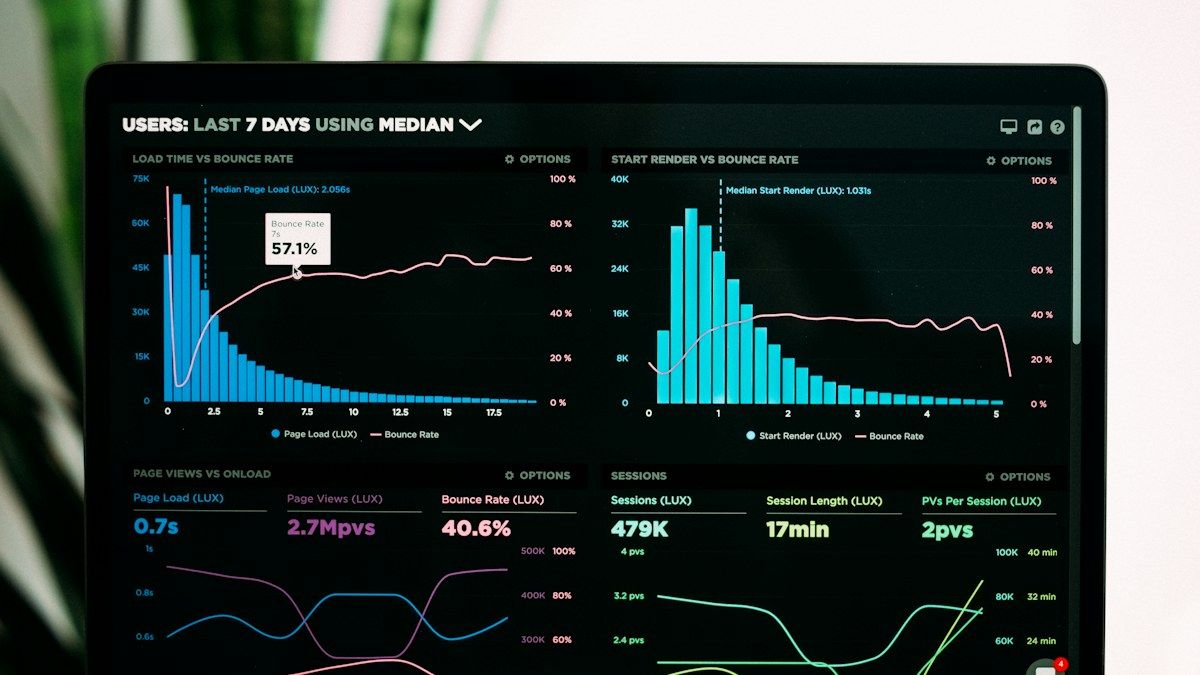
Bounce rate. In GA4 it’s the share of sessions that weren’t “engaged”: 10 seconds or less on a single page with no key event. Someone who lands on your contact page, spots your number within a few seconds and rings you counts as a bounce unless phone taps are tracked. Don’t chase it.
Day-to-day swings. A small site might get a few dozen visits a day. One quiet Tuesday or a spike from a single shared link tells you nothing. Compare whole months, and compare against the same month last year once you have it, because most trades are seasonal.
Total page views and time on page. Both can rise while enquiries fall.
Visitor counts from countries you don’t serve. Some of it is automated traffic, and none of it is your market. Leave it be.
Your numbers will undercount
Under UK rules, analytics that sets cookies usually needs the visitor’s consent before it runs, especially when it’s linked to advertising, as Google Analytics often is. Our guide to cookies and GDPR explains what changed in 2026 and when an exception might apply.
A fair consent banner offers Reject as plainly as Accept, and some people choose it. Their visits don’t show up in your reports. So read analytics for the direction things are moving in. If enquiries in your inbox go up while analytics shows a flat month, believe the inbox.
A 15-minute monthly check
Once a month, at the same point each month:
- Count key events for the month and compare them with the month before and the same month last year.
- Open Traffic acquisition and note which channels the enquiries came from.
- Check the top landing pages for anything new or anything that’s dropped away.
- Compare mobile and desktop enquiries.
- Write a couple of lines in a notes file about what changed and one thing to try next month.
After a year you’ll have a plain record of what moved the numbers for your business.
If you’d like key events set up so your analytics counts enquiries, or a second opinion on what yours shows, get in touch.
Work with us
Want a hand with this?
We build the things these articles talk about. Tell us what you're working on and we'll reply within a day, usually sooner.
or email [email protected] or call 07960 849945
Keep reading
All articles →-
-
-