Website and account security basics for a small business
The handful of accounts that hold your business together, how to lock them down, and what to do first if you think someone has got in.
On this page
Most small businesses don’t get hacked through some clever attack on the website. Someone guesses or steals the password to the email inbox, or a plugin nobody has updated since 2023 has a known hole in it. From there they can reset every other password you have, redirect your domain, or quietly read your invoices.
The fixes are dull and mostly free, and most of them fit into an afternoon. The UK’s National Cyber Security Centre (NCSC) publishes a small business guide that covers the same ground, and it’s worth reading alongside this.
Start with the accounts that can reset everything else
Some logins matter far more than others. If one of these falls, the rest tend to follow:
- Your email. Password resets for nearly everything go there. The NCSC’s advice is to give it a strong password you use nowhere else, because a criminal with your inbox can get into many of your other accounts.
- Your domain registrar. Whoever controls this can point your website and email anywhere they like. We cover the setup in how to set up a domain properly.
- Your hosting and website admin. The keys to the site itself.
- Your Google Business Profile. The listing people see in Maps, with your phone number and reviews on it.
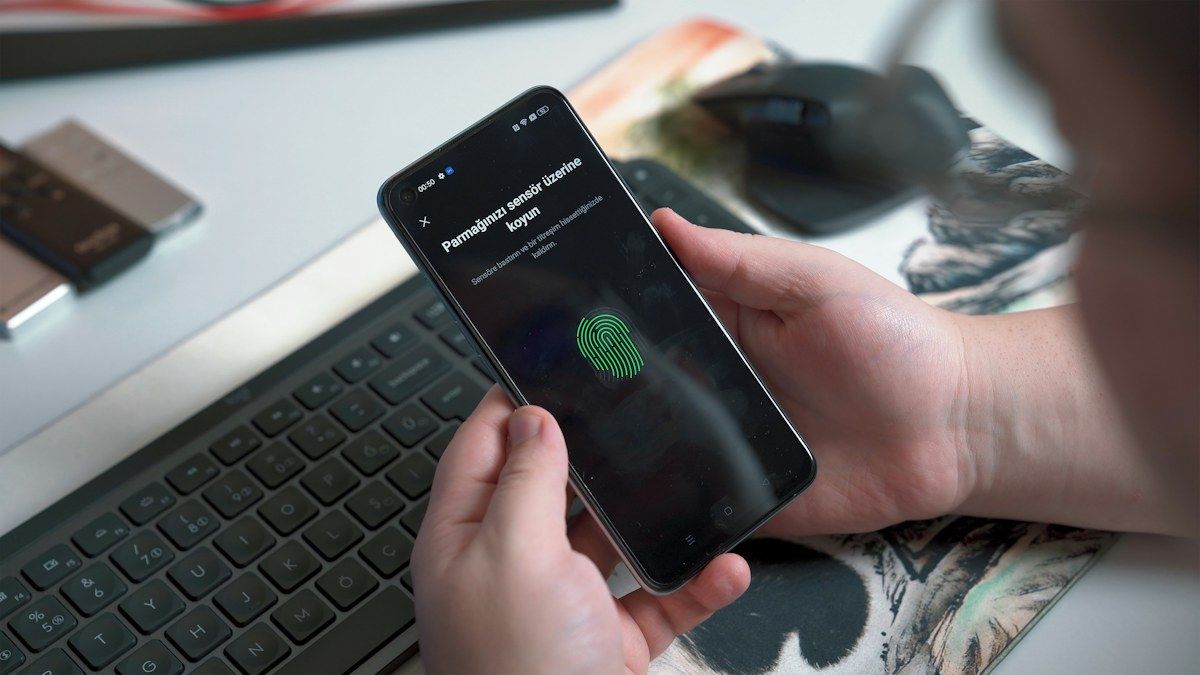
Turn on two-step verification (2SV) on every one of them. That’s the extra code from an app or a text when you log in from somewhere new. It means a stolen password on its own isn’t enough. An authenticator app is a better choice than text messages where the service offers it, and keep the backup codes somewhere safe and offline.
Use a password manager
Nobody can remember forty strong, different passwords, so people reuse two or three. Then one leak from some unrelated shopping site opens the lot.
A password manager creates a long random password for each account and fills it in for you. You remember one strong master password (the NCSC suggests three random words as a way to make one) and protect the manager itself with 2SV. Business versions let you share specific logins with staff safely.
One login per person
Shared logins are how businesses lose track of who can get in. With one password for everyone, you can’t remove one person without changing it for all of them.
Give each person their own account with only the access their job needs. When someone leaves, you switch off their account that day and nothing else breaks. We go through this in more detail in setting up users and access.
Keep the website patched and backed up
A WordPress site is a core system plus a stack of themes and plugins, each written by different people. When a security flaw is found in one, a fix is released, and the details of the flaw become public. Sites that don’t install the update are the easy targets. Updates need doing every week or two, not once a year, and plugins you don’t use should be deleted rather than left switched off.
Backups only count if you know they work. Keep copies somewhere separate from the website’s own server, so a problem with the host doesn’t take the backup down too. Then restore one now and again, to a test copy of the site, to prove it comes back whole. A backup that has never been restored is a hope, not a plan.
Check the site loads over HTTPS, with the padlock in the address bar. Browsers flag pages without it as “Not secure”, which puts people off filling in your contact form. The certificate should renew on its own.
On our sites, this side of things sits in the monthly care plan: hosting, updates, backups and the SSL certificate are looked after by the people who built the site. What a website care plan covers lists the details.
Who holds the keys when a supplier leaves
Plenty of businesses find out the hard way that their domain, hosting or Google Business Profile is registered to a web designer they stopped talking to years ago. When that person goes quiet, nobody can renew or change anything.
Every account should be in the business’s name, with your email address as the owner. Suppliers can be added as users and removed later. Keep a simple list of each service, who owns it, which email it’s tied to, and when it renews. Store it in the password manager so it’s there when you need it.
If you think you’ve been hacked
Don’t wait to be sure. Work through these in order:
- Change the password on your email first, from a device you trust, then sign out every other session from the account settings.
- Look in your email settings for forwarding rules or filters you didn’t create. Attackers often add one so copies of your mail go to them.
- Change the passwords on any account that shared that password, and turn on 2SV where it’s missing.
- Tell whoever looks after your website and hosting, so they can check for changes and restore a clean backup if needed.
- Warn customers and suppliers if messages may have gone out from your account, especially anything asking for payment.
The NCSC has a guide to recovering a hacked account and a separate small business guide to response and recovery, and it runs a reporting service for live attacks. If personal data about customers may have been exposed, you may also need to report it to the ICO.
If you’d like someone to check where your accounts and website stand, get in touch.
Work with us
Want a hand with this?
We build the things these articles talk about. Tell us what you're working on and we'll reply within a day, usually sooner.
or email [email protected] or call 07960 849945
Keep reading
All articles →-
-
-